Intelligent features that make MongoDB admin development effortless
🔮 Auto-Discovery
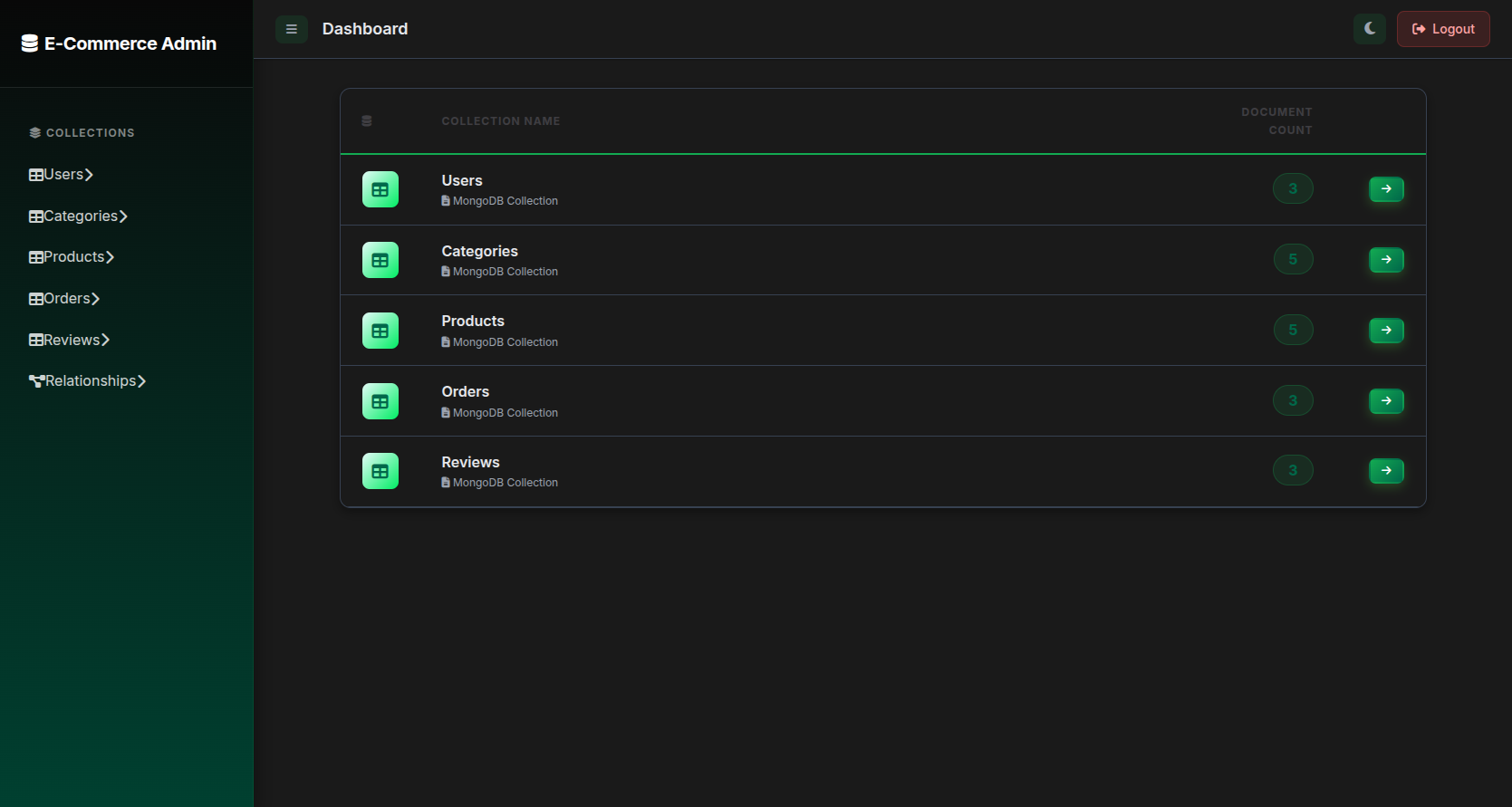
Monglo automatically discovers all your MongoDB collections, inspects their schemas, and detects field types without any manual configuration.
- ✓ Automatic collection detection
- ✓ Schema inference from documents
- ✓ Field type detection (strings, numbers, dates, ObjectIds)
- ✓ Nested document handling
- ✓ Array field recognition
🔗 Smart Relationship Detection
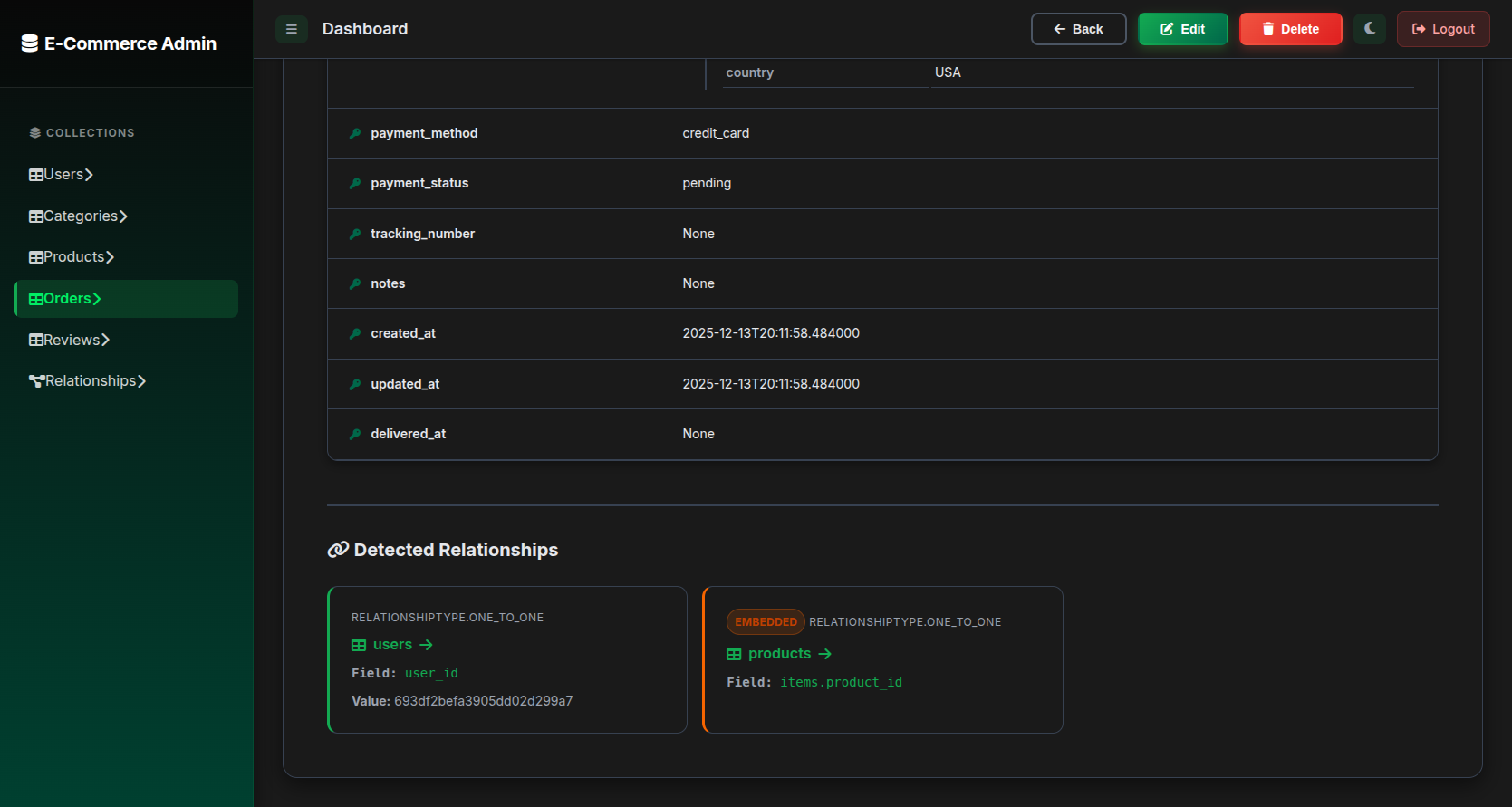
Monglo intelligently detects relationships between collections and makes them clickable, allowing you to navigate your data graph effortlessly.
Detection Methods:
- ObjectId Fields: `user_id`, `author_id`, `post_id` automatically linked
- DBRef Support: Explicit DBRef references detected
- Naming Conventions: Fields ending in `_id` or `_ids`
- Array References: Arrays of ObjectIds handled automatically
- Embedded Documents: Nested relationships navigable
📊 Dual Views: Table & Document
Table View
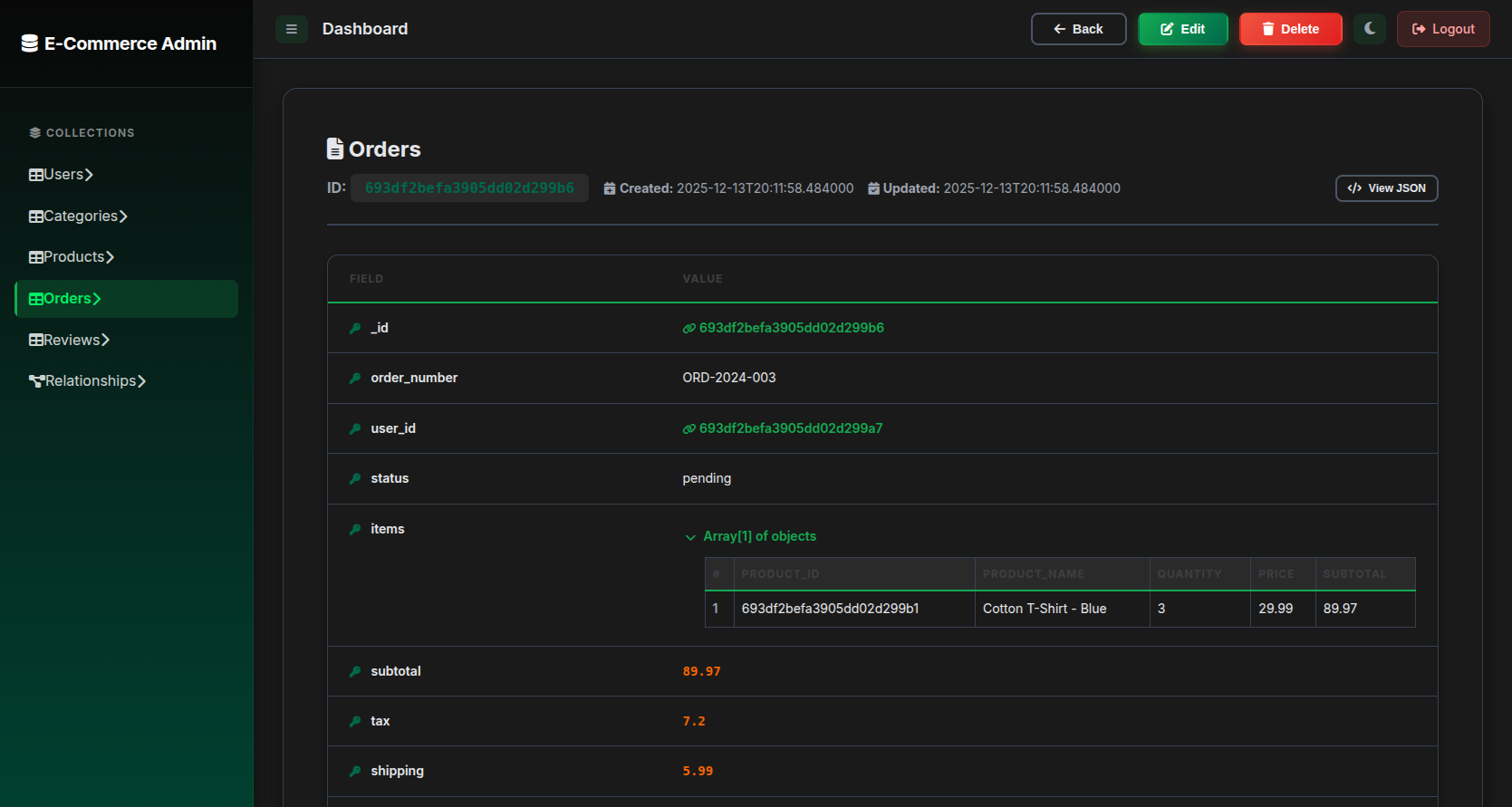
Browse your collections in a familiar spreadsheet-like interface with sorting, filtering, and pagination.
Document View
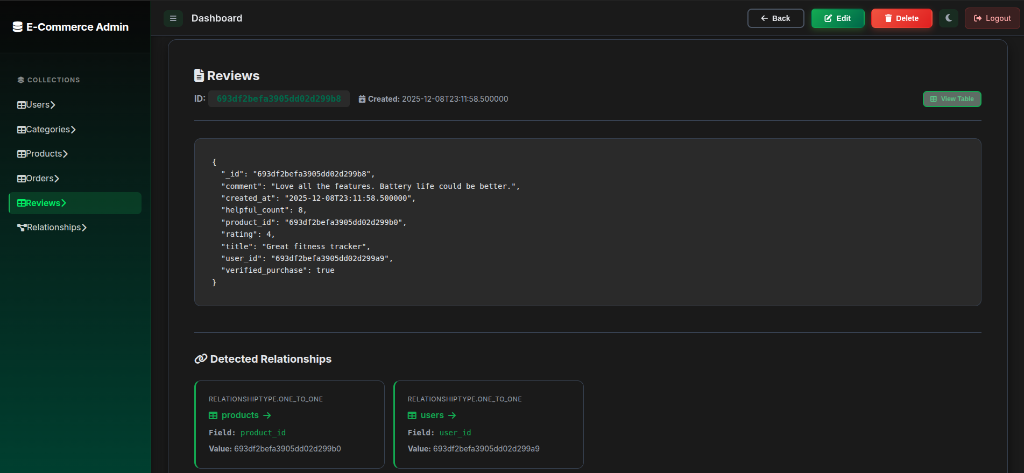
Inspect individual documents with a beautiful JSON tree viewer, complete with syntax highlighting and clickable relationships.
⚡ Full CRUD Operations
Create
Add new documents with form-based or JSON editor
Read
Browse, search, and filter with advanced queries
Update
Edit documents inline or with full JSON editor
Delete
Remove documents with confirmation dialogs
🎨 Beautiful Modern UI
Dark Mode
Easy on the eyes, professional look
Responsive
Works on desktop, tablet, and mobile
Fast
Async operations, instant feedback